To reinstall the operating system on your server, log in to the control panel at https://ds.powervps.xyz/
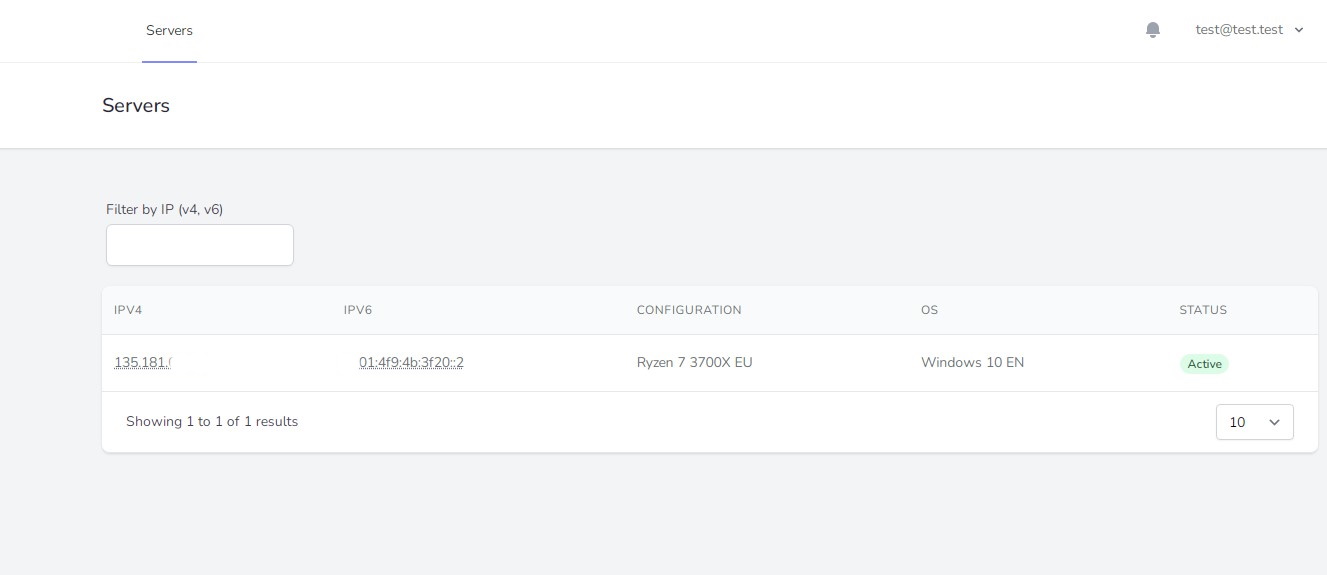
Select the server you need and click on the name of your current operating system.
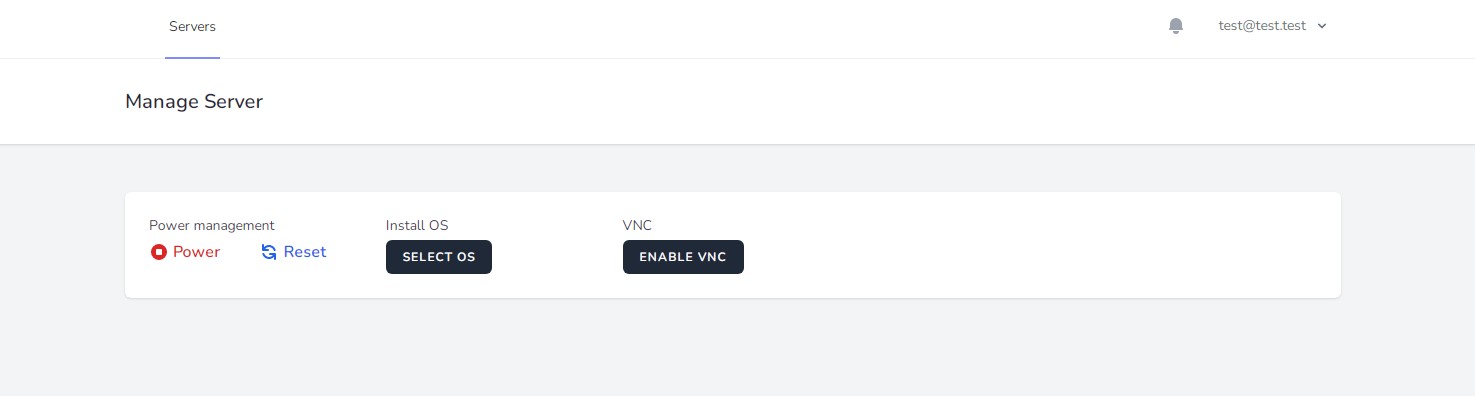
Click Select OS.
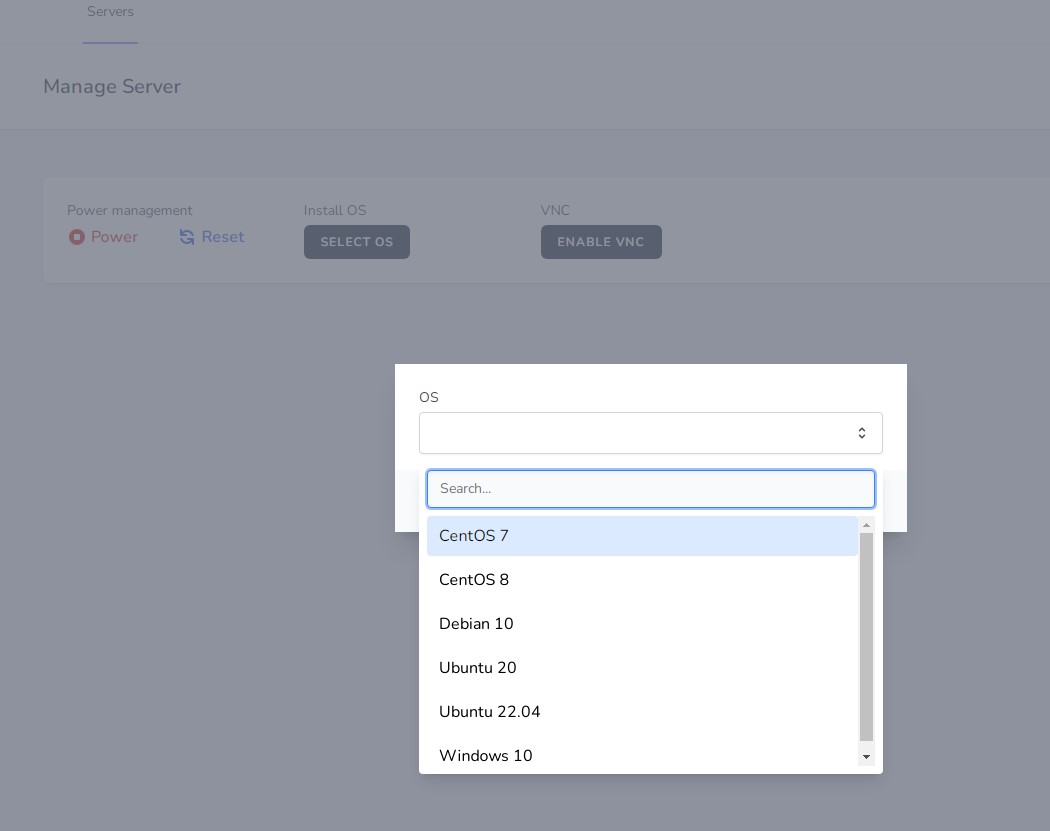
Select the operating system you need.
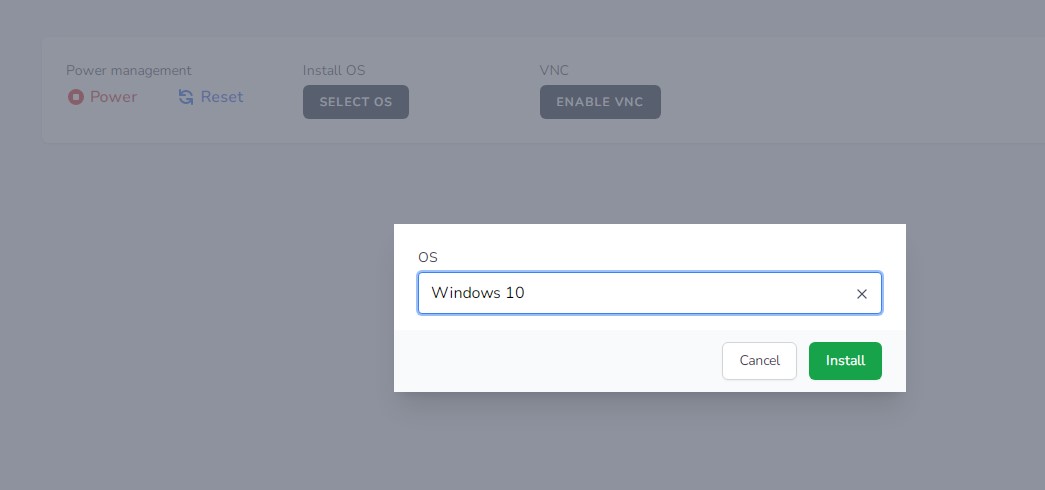
Click Install.
Important! A new password for connecting to the server is generated during the installation.
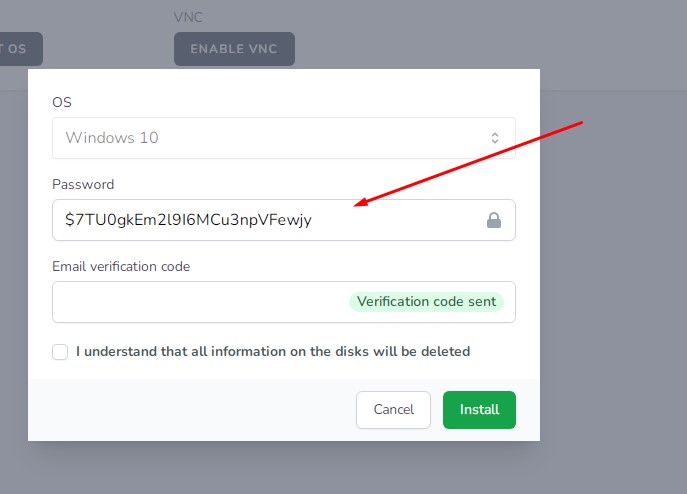
Copy the new OS password. This password will not be sent to your email, so you must copy it and store it in a safe place. Only you will know this password.
Next, click Verification code sent. A verification code will be sent to your email address. Enter the code in the appropriate field and check the box I understand that all information on the disks will be deleted.
Wait approximately 10–15 minutes. After that, you can connect to the server.
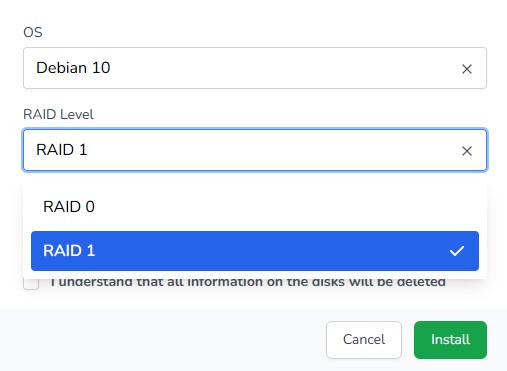
For Linux operating systems, you can also select RAID 0 or RAID 1.