
You can add funds to your account balance directly from the PowerVPS control panel.
Step 1. Open the balance menu
In your account, click the amount displayed next to Balance in the upper-right corner.
Then select your preferred payment method.

Step 2. Enter the amount
In the new window, enter the amount you want to add to your balance.
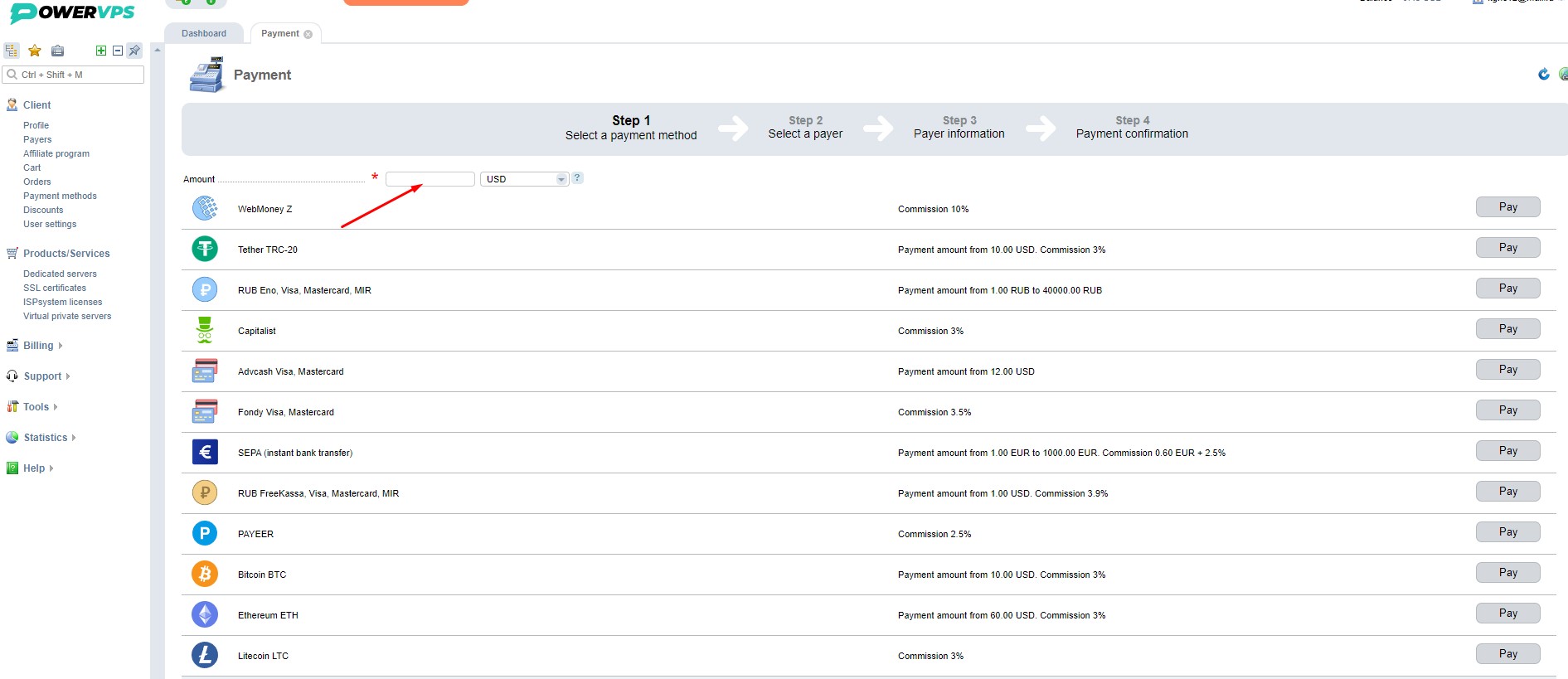
Step 3. Complete the payment
Choose the payment method that is most convenient for you and click Pay.
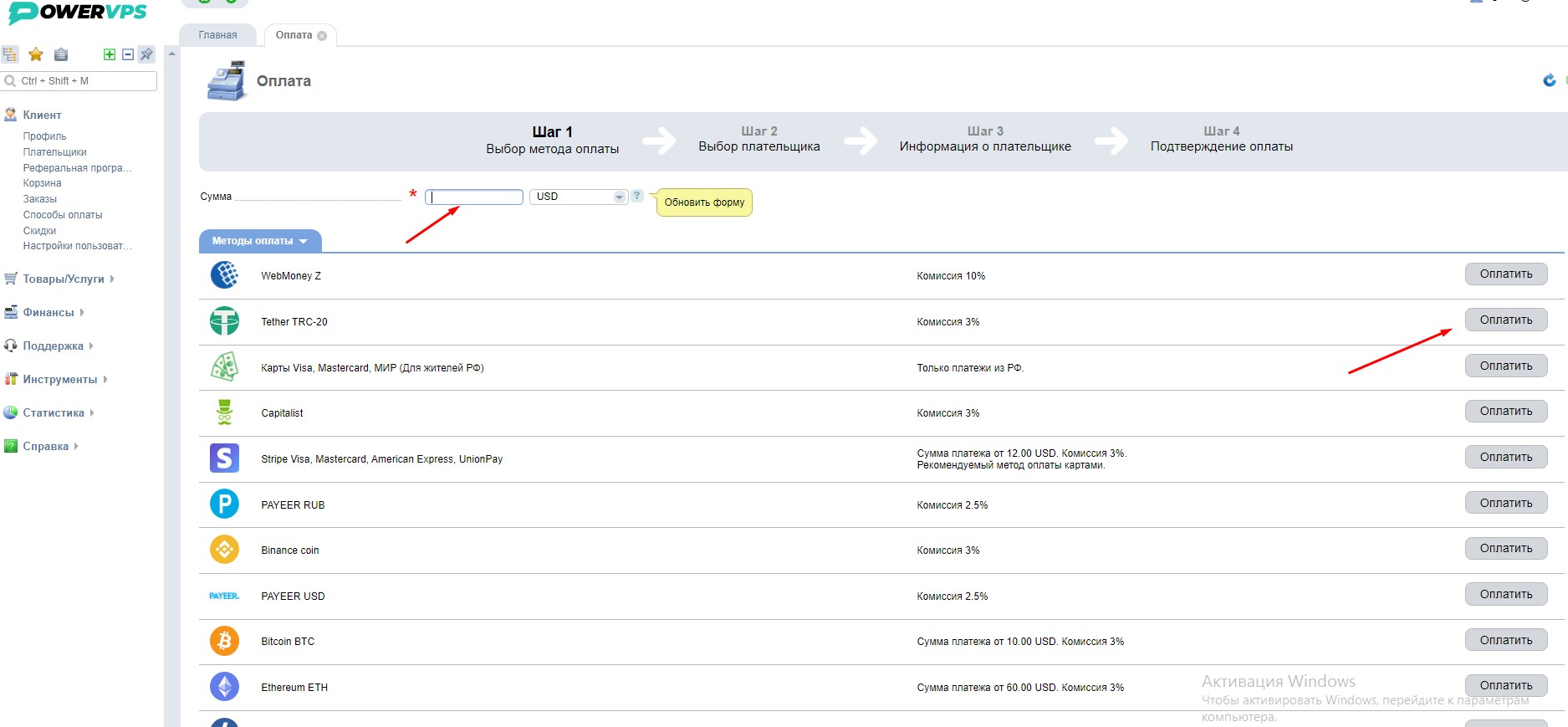
After the payment is successfully processed, the funds will be added to your account balance.