
In your account, select the type of server you need: a dedicated server or a VPS (virtual server).
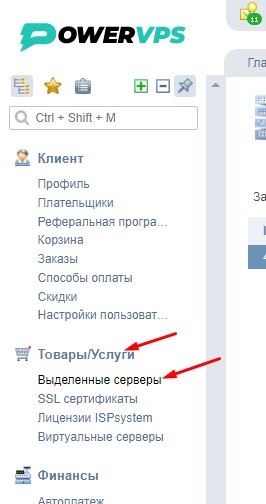
If you need a dedicated server, go to Products/Services → Dedicated Servers in your account.
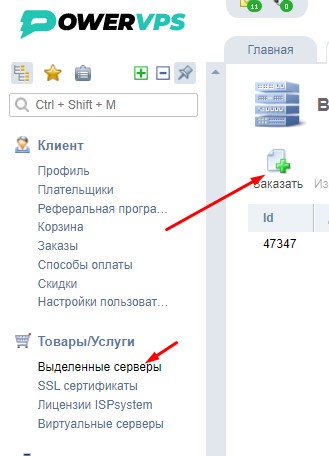
Next, click Order.
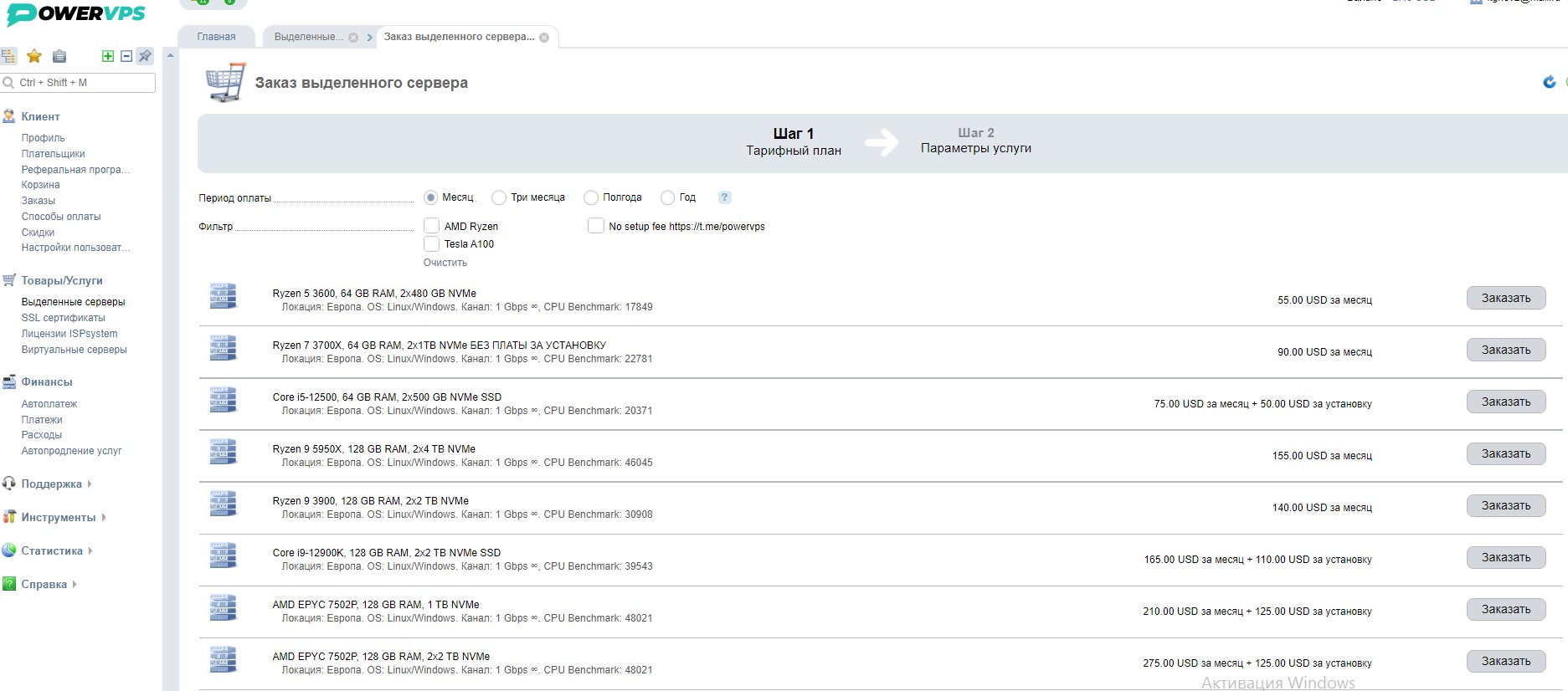
Select the server you need and click Order.
The following page will appear:
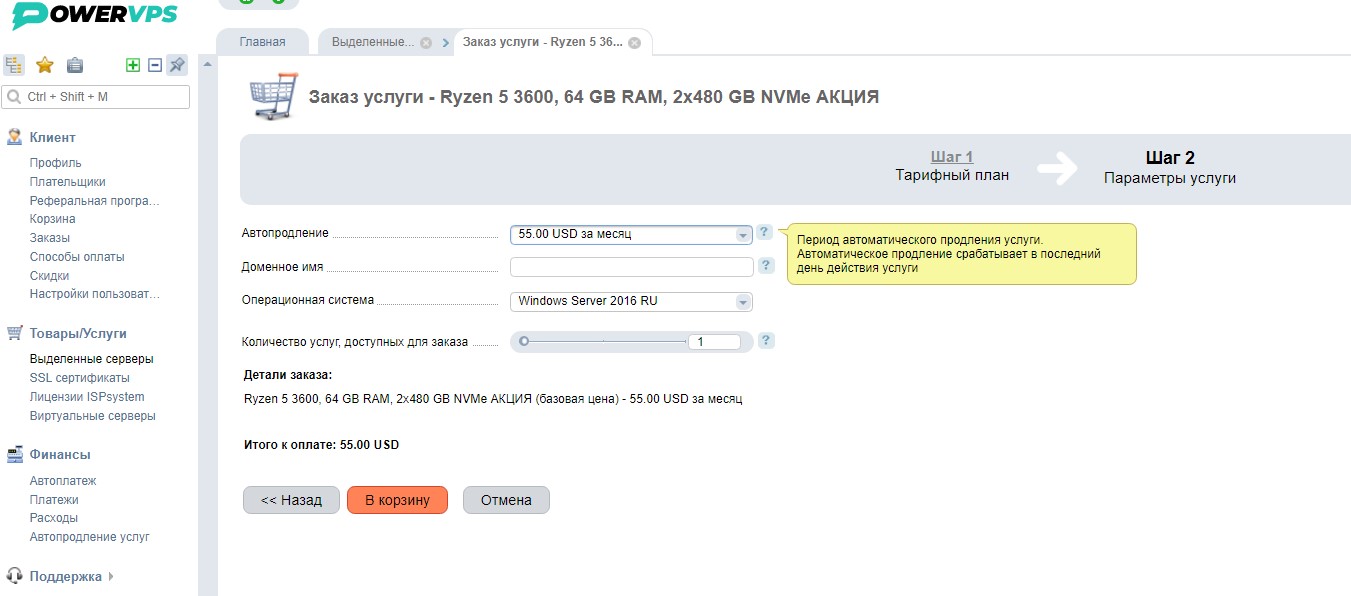
Select the OS (operating system).
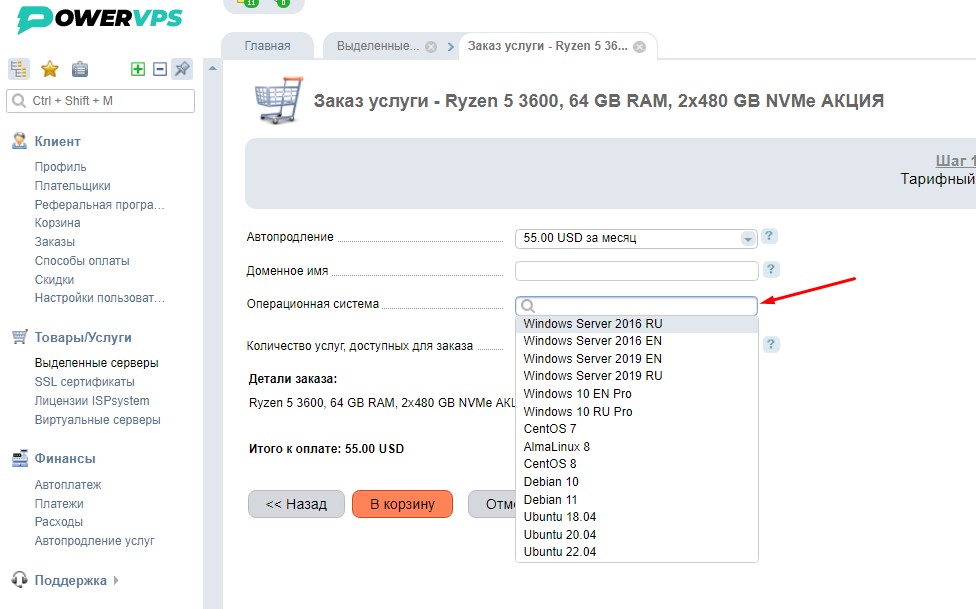
Next, click Add to Cart.
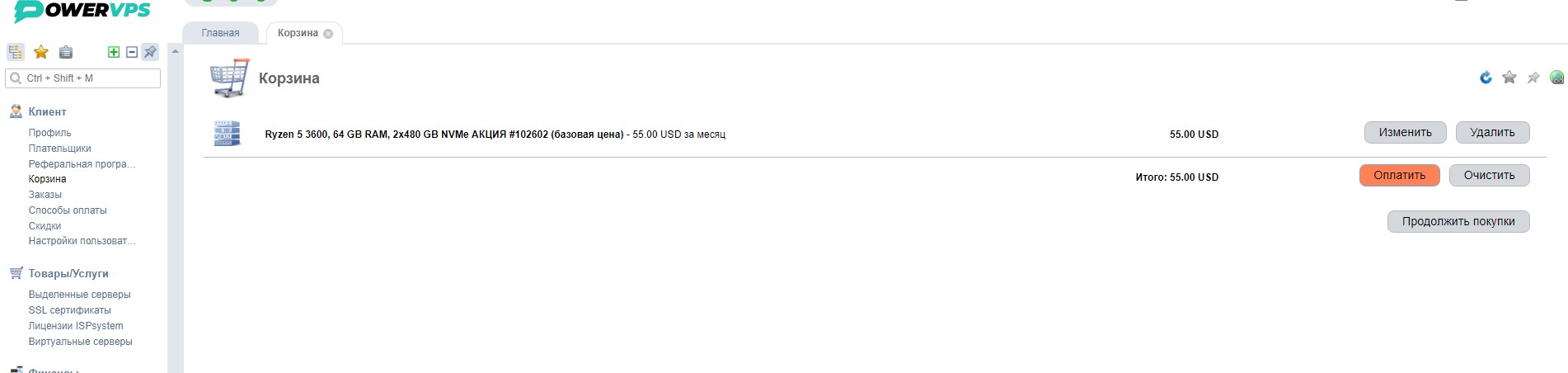
Then click Pay.
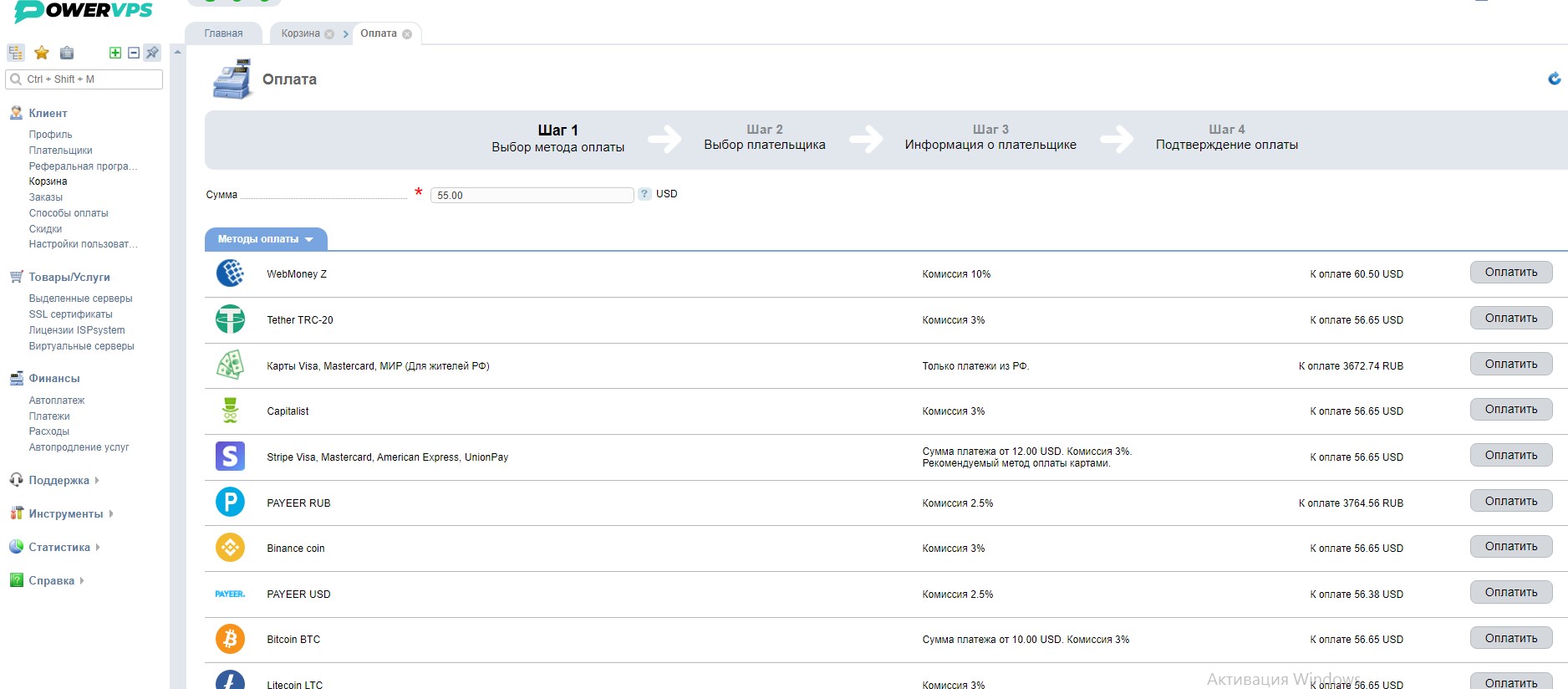
Select your preferred payment method and complete the payment.
After the payment has been completed, you can find your order under Products/Services → Dedicated Servers.
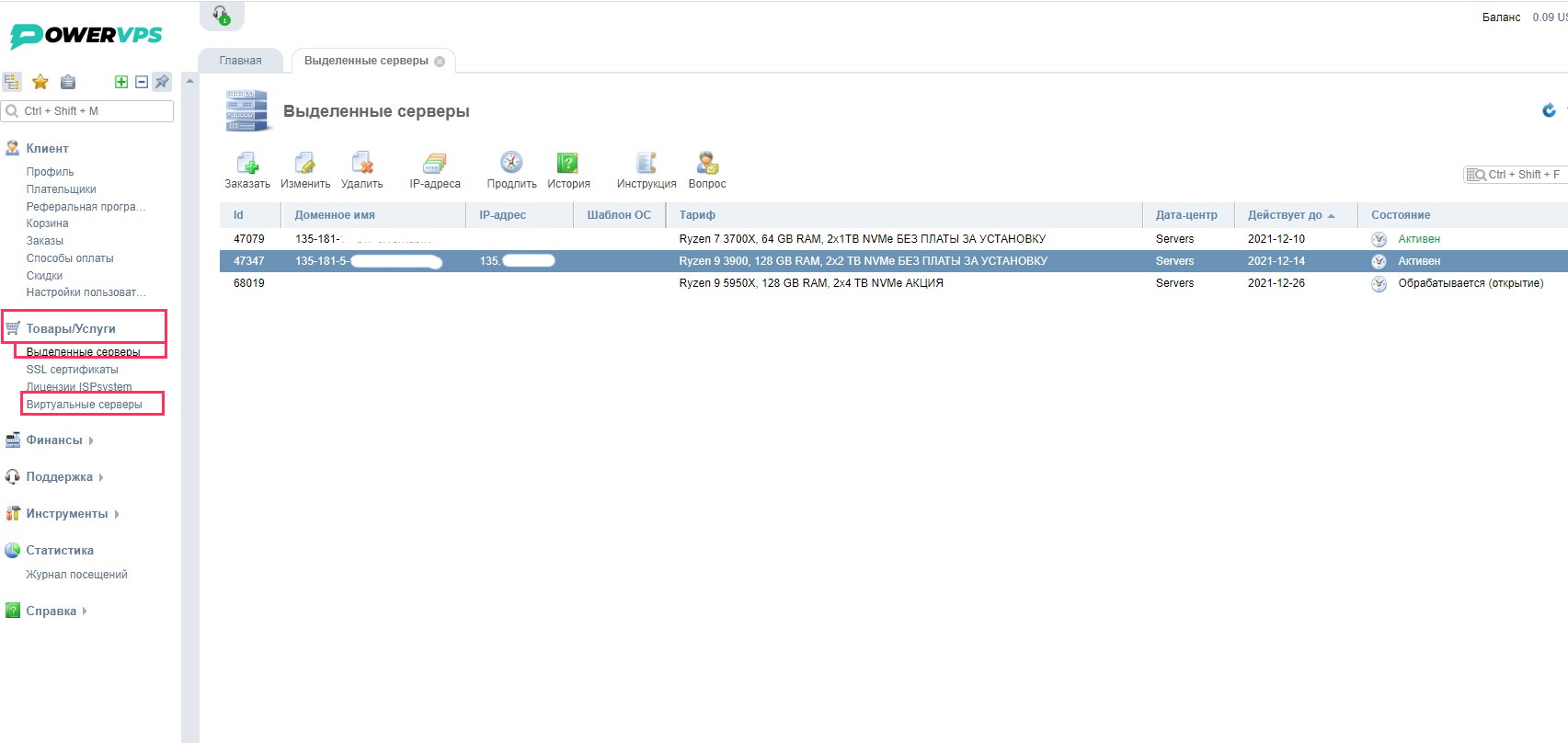
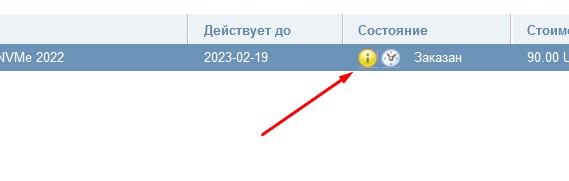
In the Status column, you can see the current status of your order:
Processing — your order is currently being prepared.
Active — your order has been processed and the server has been provisioned. All server login details will be sent to your email address.
If this is your first order, you will need to verify your email address. The following notification will appear in your control panel:
Open your email inbox, find the verification email from us, and click the verification link in the message.
Once your email address has been verified, we will proceed with your order.